Everything you need to feel prepared, supported, and confident as you make the move to Giv.

Laying the groundwork
Adoption in phases
Our onboarding process is built around phased adoption, allowing your team to start using Giv quickly while continuing to build familiarity over time. Within days, your staff can begin managing shifts in the platform, with scheduling, documentation, billing, payroll, and reporting rolled out in stages. This approach helps reduce overwhelm, encourages consistency, and supports long-term success with Giv.
Platform orientation
Getting comfortable in Giv
Your first onboarding sessions focus on helping your team start using Giv right away. We’ll walk through the core workflows like creating clients, uploading staff, building schedules, and running shifts so your team can begin operating confidently in the platform. These sessions are designed to build familiarity with day-to-day tasks and help your team quickly transition into daily use of Giv.
Giv mobile app training
Made for work in motion
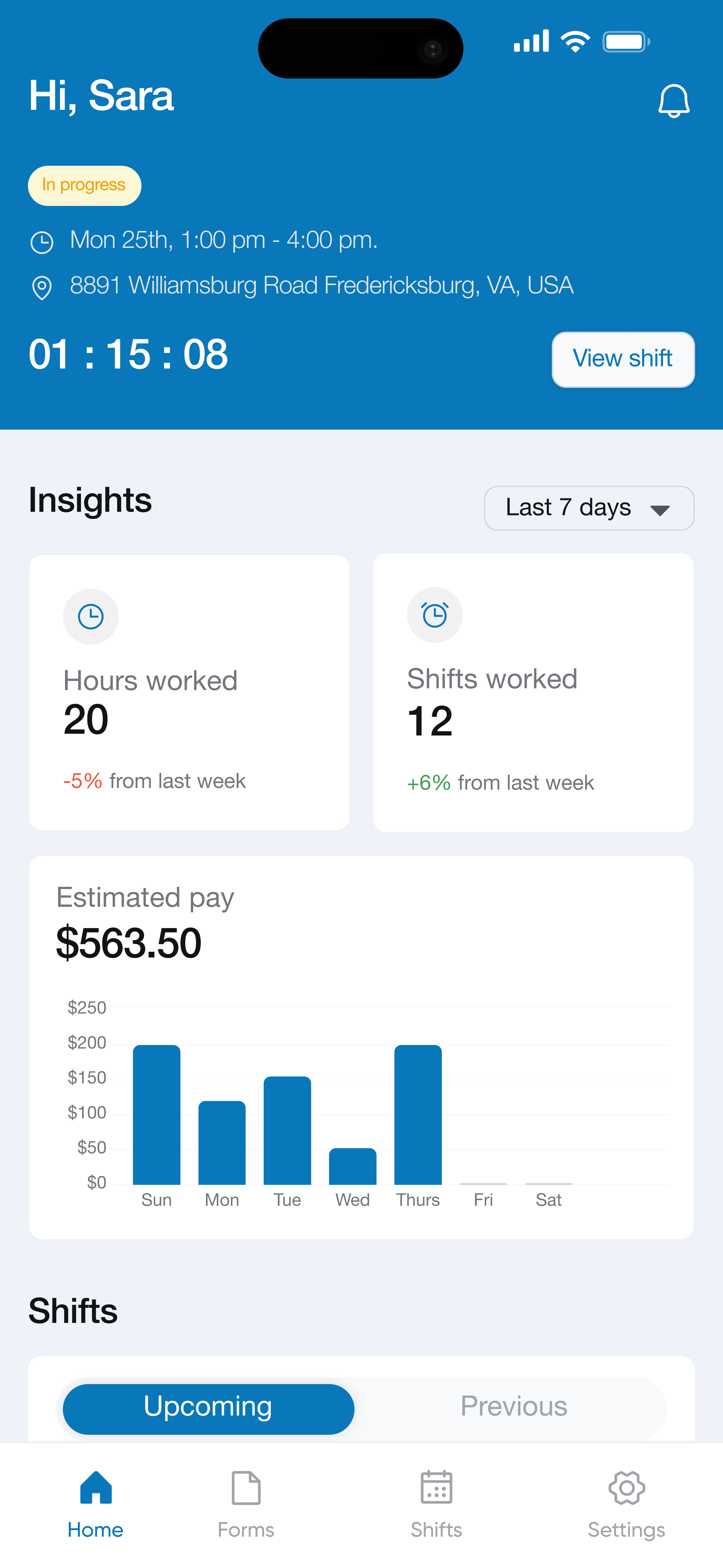
Once your core workflows are in place, we shift focus to the Giv mobile app used by frontline staff. We’ll walk through logging in, viewing schedules, completing documentation, and submitting information in real time so staff feel confident using Giv during everyday shifts. This step helps connect office operations with field activity and supports accurate, consistent documentation across teams.
Administrative enablement
Confidence in daily operations
This phase focuses on helping administrators feel confident managing the operational side of Giv. We’ll review reporting, templates, credential and expiration tracking, permissions, approvals, and other backend tools that support visibility, compliance, and consistency across your organization. These workflows help leadership and administrative teams stay proactive, reduce manual oversight, and maintain better operational accuracy.
Ride alongs
Moving into full adoption
As your team moves into full adoption of Giv, your Customer Success Manager will lead role-specific ride along sessions focused on real workflows and day-to-day operations. These sessions provide hands-on guidance, answer outstanding questions, reinforce best practices, and help your team feel confident managing scheduling, billing, payroll, documentation, reporting, and other key areas within Giv independently.
We guide the data migration process to ensure your information is transferred accurately and ready for use from day one.

Free data migration is offered for agencies with 30+ clients and covers simple data imports.