Search lessons...
App Navigation & Settings
Full Shift Walkthrough in the Giv App
Overview: Home
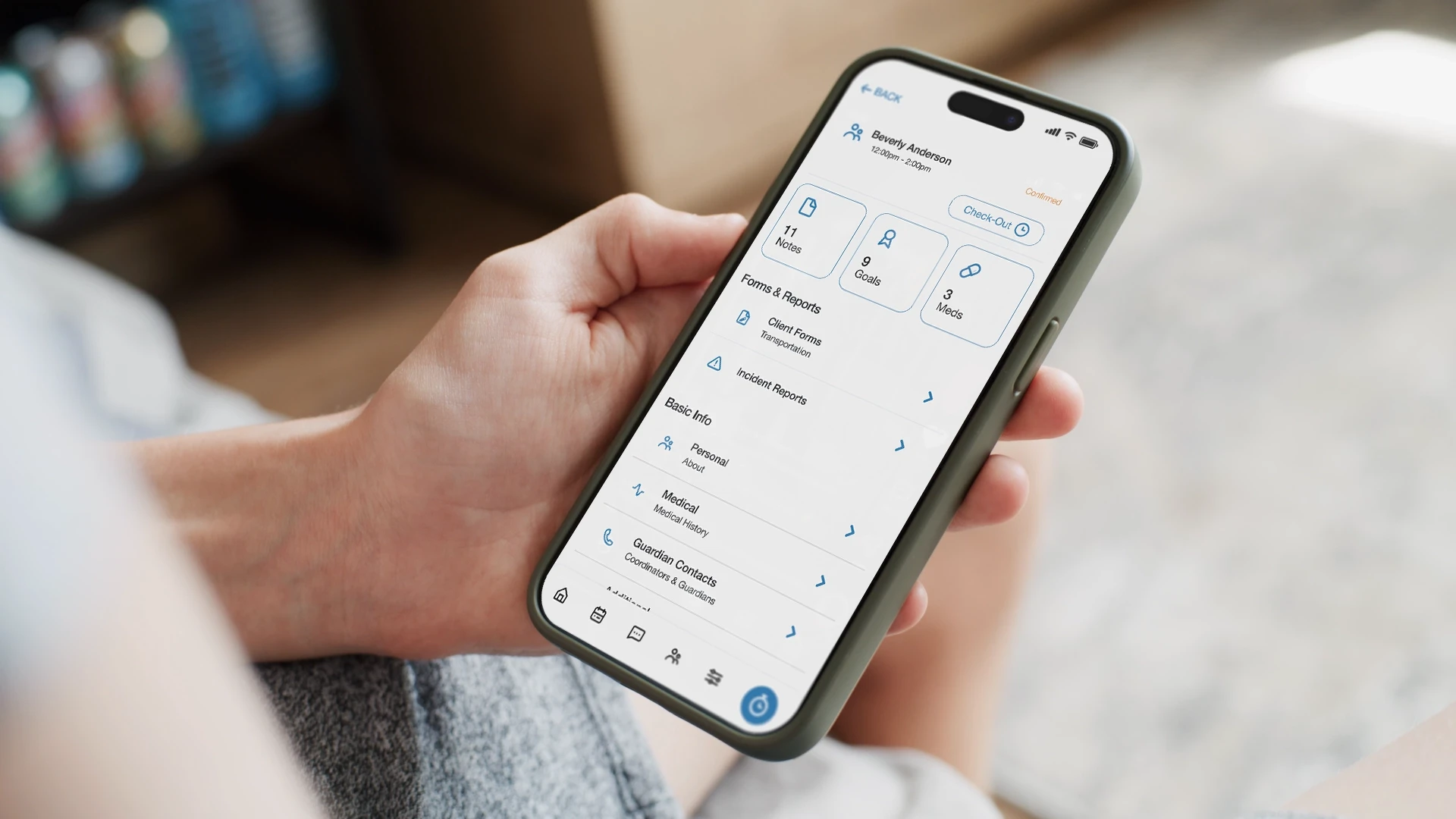
Overview: Shift Details
Overview: Shifts (Calendar View)
Overview: Forms
Overview: Settings
Setting Up Account, Logging In, and Resetting Password
Documentation & Reporting
Completing Shift Documentation Post-Shift
Logging Shift Notes
Submitting Documentation Outside of a Shift
Submitting Incident Reports
Submitting Transportation Forms
Scheduling & Time Tracking
Claiming Open Shifts
Managing Services While Clocked In
Starting Impromptu and Staff-Only Shifts
Submitting Time Change and Past Shift Requests
All Lessons
This page acts as an index page for the other CMS items
7:11
Step-by-Step guide to completing a shift in the mobile app.
1:13
Overview of the Home section in the mobile app.
4:00
Overview of the Shift Details section in the mobile app.
1:35
Overview of the calendar (Shifts section) in the mobile app.
1:03
Overview of the Forms section in the mobile app.
2:25
Overview of the Settings section in the mobile app.
2:23
How to set up your account, log in, and reset your password on the mobile app.
1:20
How to fill out shift documentation after a shift is completed in the mobile app.
1:47
How to log shift and client-specific notes in the mobile app.
1:41
How to add client documentation from the mobile app without being actively clocked in or working an existing shift.
1:32
How to submit an incident report in the mobile app.
2:52
How to access and submit transportation forms in the mobile app.
0:43
How to claim an open shift in the mobile app.
Clocking In and Out of Scheduled Shifts
3:30
How to clock in and out of scheduled shifts in the mobile app.
1:56
How to start, change, or end services while clocked in on the mobile app.
1:42
How to start impromptu and staff-only shifts in the mobile app.
1:46
How to submit time correction and past shift requests in the mobile app.
Giv Training
Intro to Framer
Giv.
The Product
Industries
Customer impact
Try Before You Buy
Pricing
Resources
Sign In
Book a demo
Try before you buy
Refer a friend
Support
Help center